PicDescriber guide
What do real results look like?
Each image below was uploaded on October 6, 2026. The text under it is what the tool returned, copied without edits and shortened only where marked.
A photo
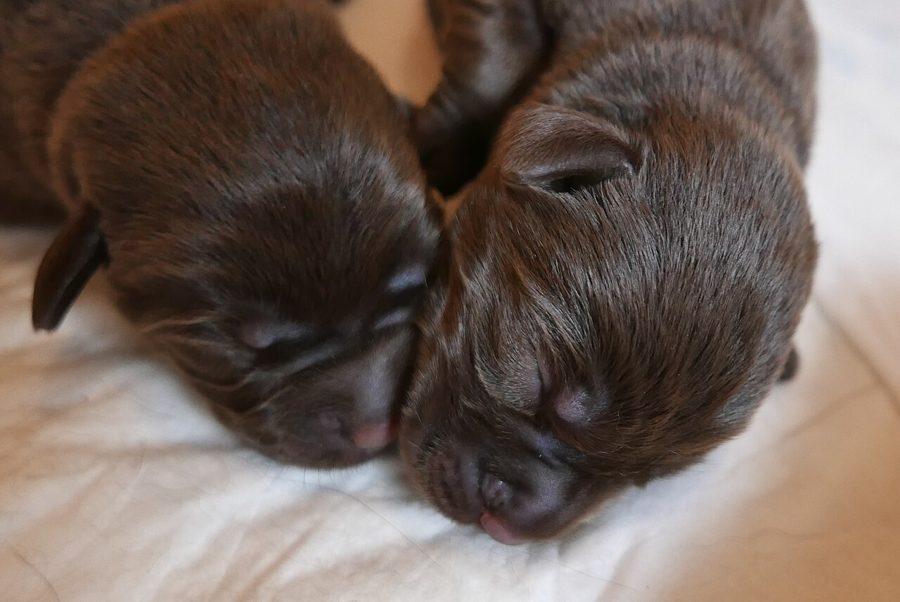
- Alt text: "Two newborn chocolate lab puppies sleeping closely together on a white blanket."
- Tags: puppies, newborn, sleeping, chocolate lab, dogs, cute, animal
- Time: 3.4 seconds
Photo by Jacek Proszyk, CC0 on Wikimedia Commons.

A floor plan diagram
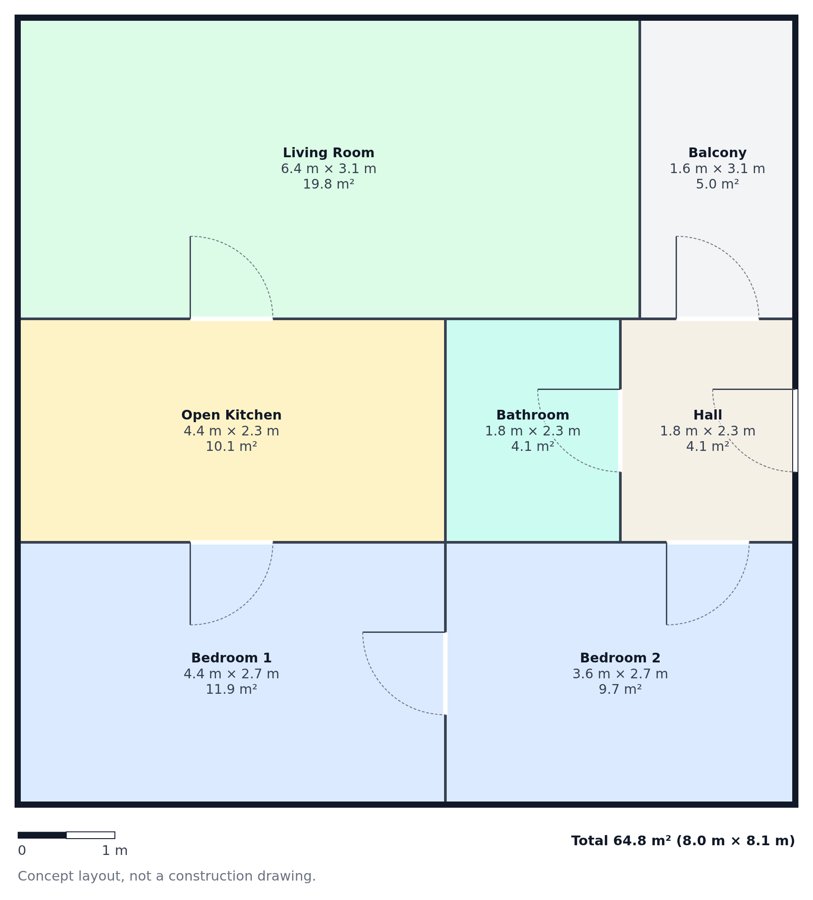
- Alt text: "Floor plan of a two-bedroom apartment with living room, open kitchen, bathroom, hall, and balcony."
- Text read from the image (first lines):
Living Room
6.4 m x 3.1 m
19.8 m²
Balcony
1.6 m x 3.1 m
5.0 m²
- Time: 3.6 seconds
A web page screenshot
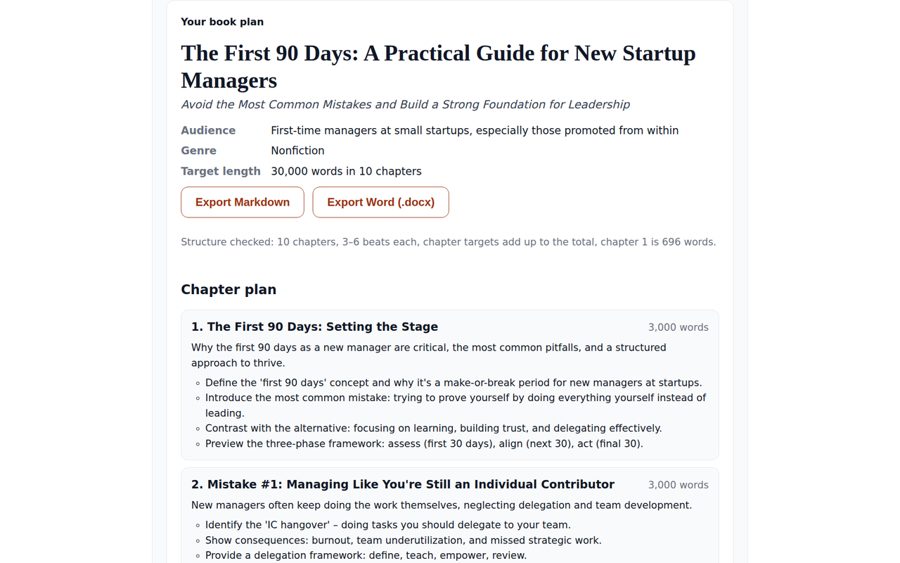
- Alt text: "Book plan for 'The First 90 Days: A Practical Guide for New Startup Managers'."
- Text read from the image (first lines):
Your book plan
The First 90 Days: A Practical Guide for New Startup
Managers
Avoid the Most Common Mistakes and Build a Strong Foundation for Leadership
- Time: 4.6 seconds
How do you turn an image into text?
- Choose your file above. Upload one PNG, JPEG or WebP image up to 4 MB.
- Compare the results with your image. Check the description and extracted text, especially small lettering or measurements.
- Copy the parts you need. Use each output's Copy button to paste it separately.
What does each upload give you?
| Output | Format |
|---|---|
| Alt text | At most 125 characters |
| Detailed description | 60 to 120 words |
| Extracted text | All readable text in the image, copied verbatim |
| Keyword tags | 5 to 8 tags |
| AI image prompt | One sentence for an AI image generator |
What should you check before publishing?
Small text and details can be wrong. Compare the result with your image, particularly screenshot text and floor plan measurements.
A failed attempt does not use your allowance. If a result fails the automatic output checks, it is regenerated once.
People in photos are not identified. The tool does not identify real people or guess their age, ethnicity or other personal attributes.
What happens to your uploaded image?
You do not need an account. Your image is processed for your request and is not stored in a database.
The image is sent to an AI vision model through OpenRouter to generate the outputs. Review those outputs before you publish them.